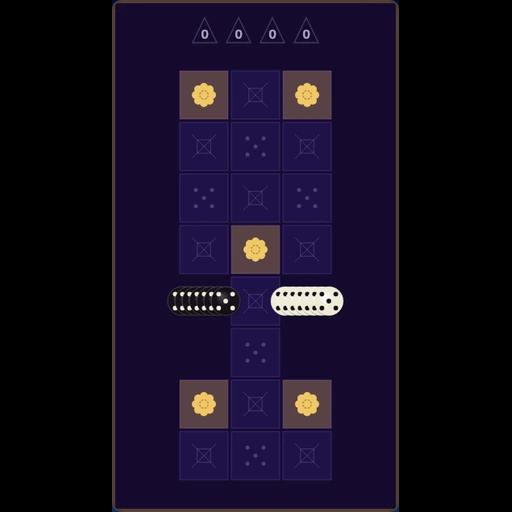
Your turn. Choose a highlighted tile.
How to Play
Read the Highlights
On your turn, legal tiles show soft glowing disc ghosts. If a tile is not highlighted, it will not flip enemy discs.
Place & Flip
Click a highlighted tile to place your disc with a quick flash. Trapped enemy discs in straight lines (horizontal, vertical, diagonal) flip with a bright mid-spin cue.
Track Turn Cues
The HUD highlights whose score card is active, marks the last move on the board, and calls out passes, AI thinking, and mission results. Mobility shows how many legal moves remain.
Practice Aids
Vs AI: Undo rewinds your last turn, Hint glows a strong square, and you can hide legal-move ghosts. After a match, Review scrubs through every ply.
Win the Galaxy
When no legal moves remain for both sides, a mission-complete overlay covers the board with the final score plus Review board and Play again.
Play Online
Open Multiplayer — no account needed. Invite a friend with a room link, or tap Quick Match to find another captain who is looking for a game. The first player in a room is Black; the second is White. Sign in after a win if you want to save your captain profile.
Master the Strategy
Control the Corners
Corners are the most valuable squares. They can never be flipped back, giving you a permanent anchor.
Maximize Mobility
Keep your options open. A wide move set forces your opponent into predictable, weaker responses.
Secure the Edges
Build stable lines along the edges, but be careful! An unstable edge can be wiped out by a corner play.
Sacrifice Early
Don't be afraid to have fewer pieces early on. Positioning matters more than piece count until the end.
Why Play Rocket Reversi?
Reactive AI
Face a quick AI rival that prioritizes strong flips and corner pressure, great for repeat strategy practice.
Practice Tools
Undo, Hint, toggleable legal moves, mobility count, and post-game review — built for learning vs AI.
Live Multiplayer
Invite a friend with a room link, or use Quick Match to pair with another captain. Free to play — no account required.
100% Free
Play instantly in your browser. No downloads required — challenge the AI or go multiplayer as a guest anytime.
Frequently asked questions
- Does Rocket Reversi save my progress?
- You can play as a guest without signing in. If you use a Stellar Whiskers captain account, your game can be saved to the cloud and resumed on another device. Guests rely on the current browser session.
- Can I play multiplayer with a friend?
- Yes. Open Multiplayer and share a room link, or use Quick Match — no account required. The first player is Black; the second is White. Sign in afterward if you want to save a captain profile.
- Can I play Rocket Reversi offline?
- The game loads from the web and needs a connection to start. After loading, brief outages may still affect features that depend on the network.
- How do I move pieces?
- Click or tap a glowing legal square to place your disc. Soft ghost discs mark every legal move so you never guess which tiles are allowed — turn them off in the HUD if you want a harder board. The last move stays outlined on the board.
- What practice tools are available vs AI?
- Use Undo to rewind your last turn (including the AI reply), Hint to glow a strong move, watch the Mobility count, and after a finished game open Review to scrub through every ply. These aids stay off in multiplayer.