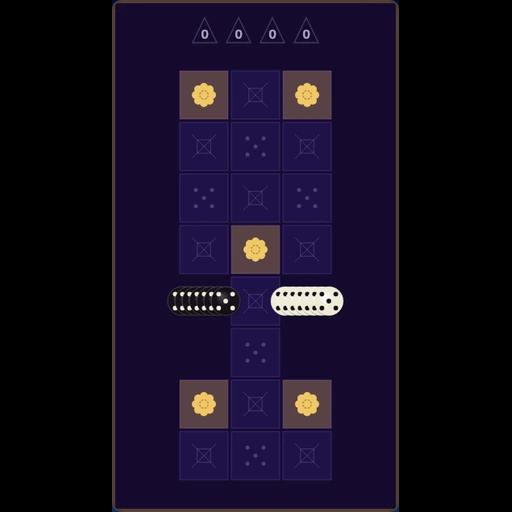
Press Space or tap to start
How to Play
Start the Run
Press Space, Enter, or tap the board to begin. Pick Slow, Normal, or Fast speed before you start.
Steer the Comet
Arrow keys or WASD on desktop. On mobile, swipe to change direction — you cannot reverse into yourself.
Eat Stars
Guide your head into the glowing gold star to grow longer and score a point. Speed creeps up as you grow.
Survive
Avoid the grid edges and your own trail. Hit either and the run ends — chase a new high score next try.
Captain Tips
Think in Paths
Plan a route rather than just reacting. Purely reactive play gets you cornered fast.
Use Edges Sparingly
Hugging a wall feels safe until you run out of room to turn.
Coil Inward
When the board fills up, spiral toward the center rather than chasing your own tail in a straight line.
Slow Mode to Learn
Set Speed to Slow to study grid geometry before pushing for a high score on Normal or Fast.
Why Play Solar Snake?
Spatial Awareness
Keep the whole trail in mind while you chase stars. Classic snake with real planning pressure.
Mobile Ready
Swipe to steer and tap to start. The board and HUD stack cleanly on phones and tablets.
Always Free
Play in your browser. No downloads, ads, or paywalls.
Frequently asked questions
- Is Solar Snake free to play?
- Yes. Solar Snake is completely free in your browser — no downloads, registration, or payments required.
- Can I play Solar Snake on mobile?
- Yes. Swipe on the board to steer and tap to start or restart. The layout stacks for phones and tablets.
- How do I control Solar Snake?
- On desktop use arrow keys or WASD. On mobile swipe to change direction and tap the canvas to start. Space or Enter also starts or restarts a run.